
The traditional approach
Most online file converters work by uploading your file to a remote server, processing it there, and sending the result back. This means your files travel across the internet, sit on someone else's server during processing, and may be stored for some period after. For sensitive documents, photos with location data, or private business files, this is a significant concern.
How ToolPouch is different
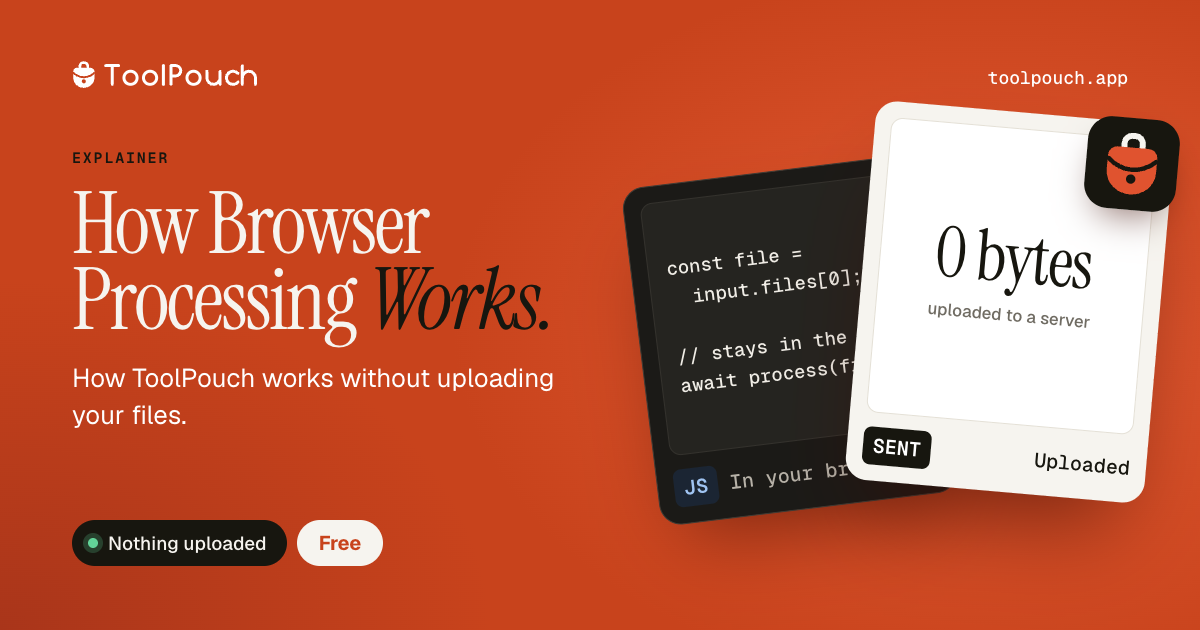
ToolPouch processes most files directly in your web browser using built-in browser technologies: the Canvas API for images, pdf-lib and pdf.js for PDFs, WebAssembly for video/audio, and JavaScript for text processing. When you drop a file into a ToolPouch tool, the file goes from your disk into the browser's memory, gets processed there, and the result is saved back to your disk. The file never leaves your device.
What technologies make this possible
Modern browsers include powerful processing capabilities. The Canvas API can resize, crop, convert, and compress images. WebAssembly (WASM) can run compiled C/C++ code at near-native speed - ToolPouch uses FFmpeg compiled to WASM for video and audio processing. JavaScript engines are fast enough to parse, format, and transform megabytes of text data in milliseconds.
Benefits
Local processing is faster (no upload/download wait), more private (nothing leaves your device), works offline after the page loads, and has no server costs that limit usage. There are no file size limits imposed by server timeouts or upload quotas - the only limit is your browser's available memory.
Limitations
Some operations genuinely require server processing - for example, OCR on scanned documents, or formats that browsers cannot decode natively. ToolPouch clearly labels any tool that requires server processing. For the vast majority of tools (images, PDFs, text, developer tools), everything runs locally.