
Why PDF size matters
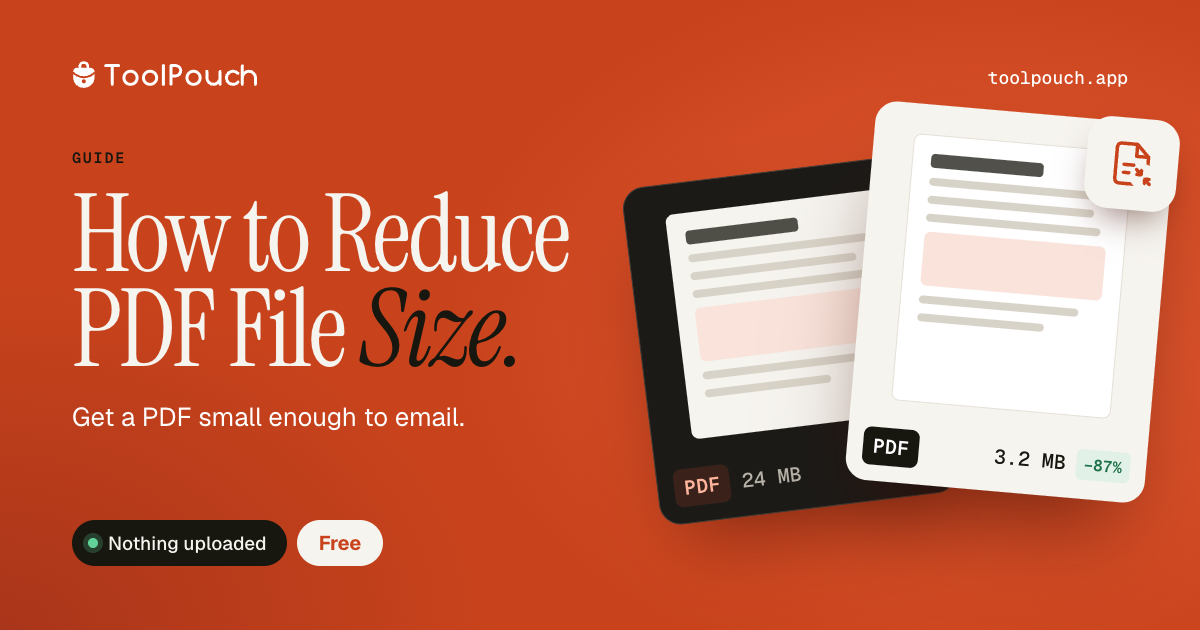
Large PDFs cause problems: email attachments get rejected (most providers limit to 25 MB), downloads take too long, and storage fills up. A scan-based PDF can easily be 50-100 MB. Even text-heavy PDFs with embedded fonts can be 5-10 MB. Compressing them makes sharing and storage practical.
How PDF compression works
PDF compression works by re-encoding the images inside the PDF at lower quality and removing unnecessary data (metadata, duplicate fonts, unused objects). Text content is unaffected - only the images change. ToolPouch's PDF compressor re-renders each page through a canvas at the selected quality level, producing a new, leaner PDF.
Compression levels
Light compression maintains the best visual quality and typically reduces file size by 20-40%. Balanced compression is recommended for most documents and can reduce sizes by 40-60%. Strong compression produces the smallest files (60-80% reduction) but images may show visible quality loss. For text documents with few images, even light compression can significantly reduce file size.
What changes and what stays
Compression does not affect text, links, bookmarks, or the structure of the document. Form fields, annotations, and interactive elements are preserved. Only raster images within the PDF are re-encoded. Vector graphics, fonts, and text remain sharp at any zoom level.
Tips for the smallest file
For the smallest possible PDF: use Strong compression, enable "Convert to Grayscale" if colour is not needed, and remove metadata. If the PDF contains full-page scans, compression can be dramatic - a 50 MB scan-based PDF can often become 5-10 MB with balanced compression.