
What is JPG?
JPG (JPEG) is the most widely used image format on the internet. Developed in 1992, it uses lossy compression to reduce file sizes while maintaining acceptable visual quality. Every camera, phone, browser, and image editor supports JPG. The format works well for photographs but does not support transparency.
What is WebP?
WebP is a modern image format developed by Google in 2010. It supports both lossy and lossless compression, transparency (alpha channel), and animation. WebP typically produces files 25-35% smaller than equivalent-quality JPG files. All major browsers now support WebP, including Chrome, Firefox, Safari, and Edge.
File size comparison
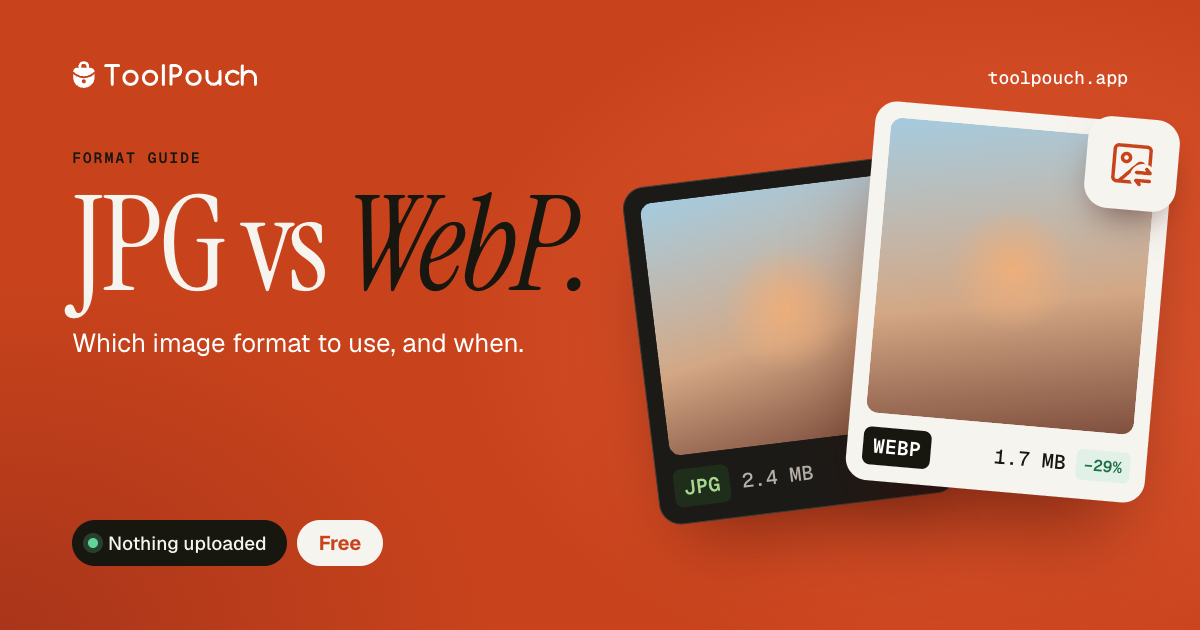
WebP consistently produces smaller files than JPG at the same visual quality. For a typical photograph at quality 80, WebP files are roughly 25-30% smaller. This difference matters for websites where every kilobyte affects page load speed and bandwidth costs. For a gallery of 50 product images, switching from JPG to WebP could save several megabytes per page load.
Quality comparison
At the same file size, WebP generally maintains slightly better visual quality than JPG, especially at lower quality settings. JPG can show noticeable compression artefacts (blockiness) at quality 60-70, while WebP handles low-quality compression more gracefully. At very high quality settings (90+), the visual difference between the two formats is negligible.
When to use JPG
Use JPG when you need maximum compatibility - email attachments, documents, print workflows, or when sharing with systems that may not support WebP. JPG is also the better choice for archival storage where long-term format support matters. If your audience includes very old browsers or specialised software, JPG is the safe choice.
When to use WebP
Use WebP for websites and web applications where file size directly impacts performance. WebP is the recommended format for web images in 2026. If you need transparency in a compressed image, WebP is better than PNG (much smaller files) and better than JPG (which has no transparency at all). Most content management systems, CDNs, and image services now support WebP natively.
How to convert between them
ToolPouch can convert JPG to WebP and WebP to JPG directly in your browser. Drop your images, choose your quality setting, and download the converted files. No upload, no account, and batch conversion of up to 100 images at once.