
Key differences
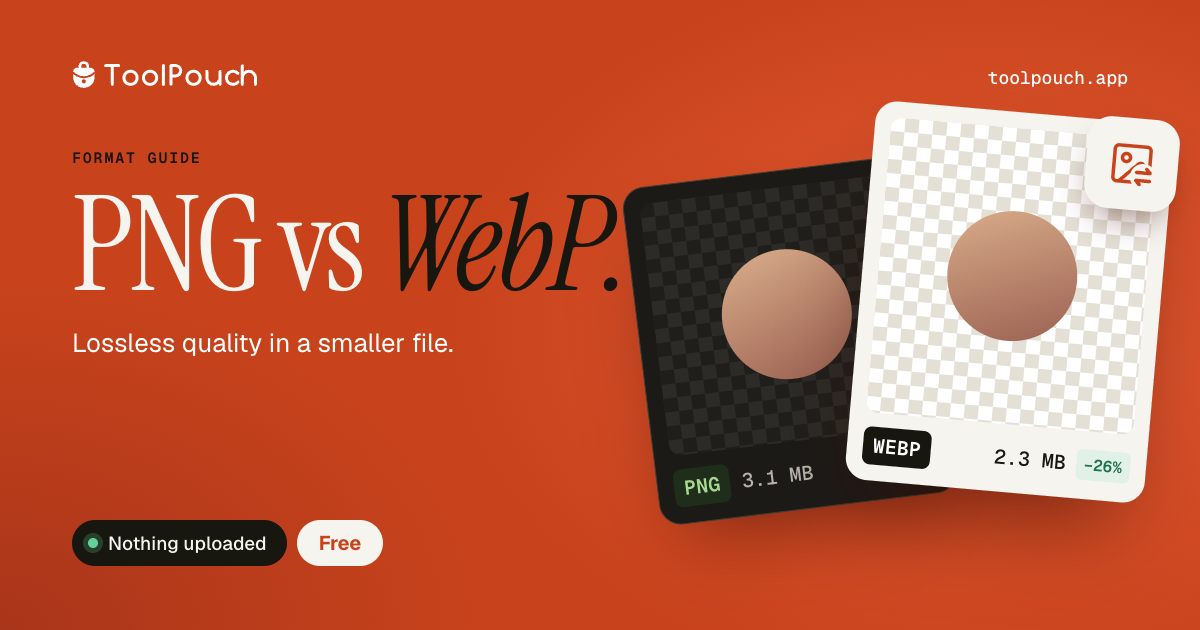
Both PNG and WebP support transparency and lossless compression. The main difference is file size: WebP files are typically 25-35% smaller than PNG for lossless images, and dramatically smaller (up to 80%) when lossy WebP compression is used. PNG is universally supported; WebP is supported by all modern browsers since 2020.
When to use PNG
Use PNG when maximum compatibility is needed (older software, print workflows), when you need guaranteed lossless quality for pixel-perfect work, or when your workflow requires PNG specifically (some design tools and game engines expect PNG). PNG is also the standard format for screenshots and UI assets in many development workflows.
When to use WebP
Use WebP for web images, especially those with transparency. A PNG icon that is 200 KB as PNG may be 50 KB as lossy WebP with no visible difference. For websites, this size reduction directly improves performance. WebP also supports animation, making it a viable replacement for both PNG and GIF in web contexts.
Converting between them
ToolPouch converts PNG to WebP and WebP to PNG directly in your browser. Batch convert up to 100 files at once. For PNG to WebP, choose your compression level - lossless for pixel-perfect conversion, or lossy for maximum size reduction.