
What is EXIF data?
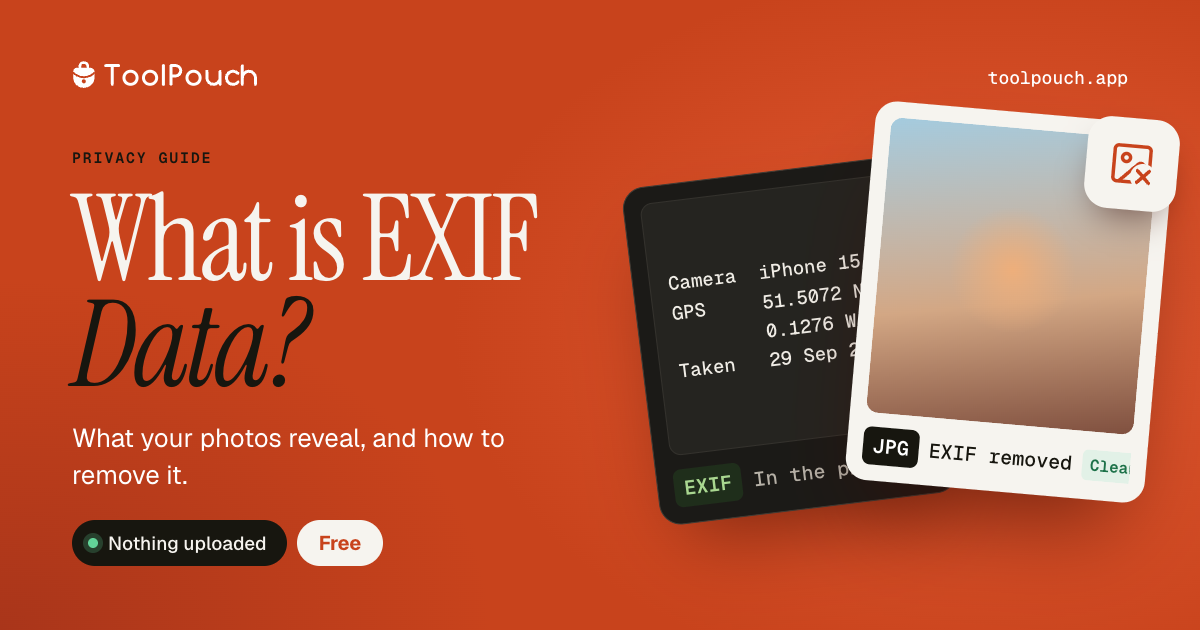
EXIF (Exchangeable Image File Format) is metadata embedded inside photographs by cameras and phones. It records technical details about how the photo was taken - camera model, lens, aperture, shutter speed, ISO, focal length, and white balance. Most importantly, it often includes the GPS location where the photo was taken, along with the exact date and time.
Why does it matter for privacy?
When you share a photo online or via email, the EXIF data goes with it. This means anyone who downloads your photo can see where it was taken (your home, workplace, school), when it was taken, and what device you used. This is a significant privacy concern, especially for photos shared publicly on social media, forums, or marketplace listings.
What data does EXIF contain?
Common EXIF fields include: GPS coordinates (latitude/longitude), date and time, camera make and model, lens information, focal length, aperture (f-stop), shutter speed, ISO sensitivity, flash usage, image dimensions, colour space, and software used for editing. Some cameras also record serial numbers and copyright information.
How to view EXIF data
ToolPouch's EXIF Viewer shows all metadata stored in your photos. Drop a JPEG image and see every field - including GPS coordinates, camera settings, and timestamps. The data is read entirely in your browser; the photo is never uploaded.
How to remove EXIF data
ToolPouch's Remove EXIF tool strips all metadata from your photos. This removes location data, camera information, timestamps, and any other embedded metadata. The image quality is unchanged - only the invisible metadata is removed. This is recommended before sharing photos publicly.