
WebP explained
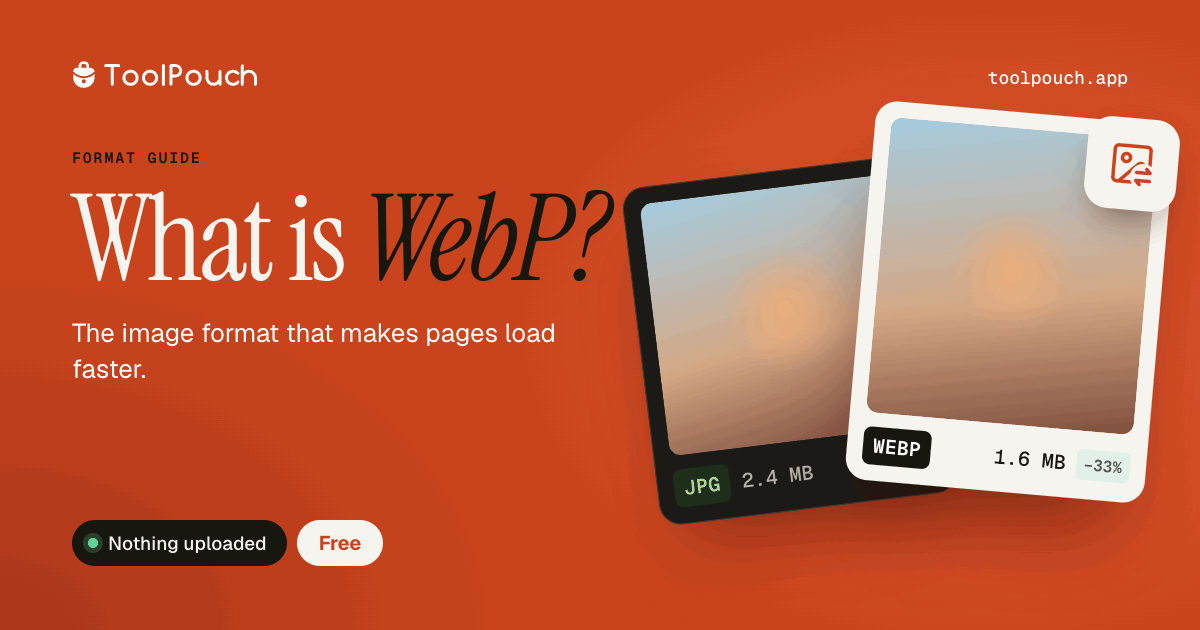
WebP is an image format developed by Google, released in 2010. It supports lossy compression (like JPEG), lossless compression (like PNG), transparency (like PNG), and animation (like GIF) - all in one format.
File size advantage
WebP files are typically 25-35% smaller than JPEG and 26% smaller than PNG at equivalent quality. For websites, this means faster page loads, less bandwidth, and better Core Web Vitals scores.
Browser support
As of 2026, WebP is supported by all major browsers: Chrome, Firefox, Safari (since v14), Edge, and Opera. Global browser support exceeds 97%. It is safe to use WebP as the primary image format for web content.
When to use WebP
Website images (product photos, blog images, banners). Web apps and progressive web apps. Any context where file size matters and the audience uses modern browsers.
When not to use WebP
Print workflows (use TIFF or high-quality JPEG). Email attachments to unknown recipients (JPEG is safer). Archives where long-term format stability matters. Professional photography workflows.
How to convert to WebP
ToolPouch converts any image to WebP in your browser. Supports JPG, PNG, GIF, BMP, TIFF, HEIC, and SVG as input. Adjustable quality slider from 30 to 100. Batch convert up to 100 images at once.