JSON vs CSV
JSON (JavaScript Object Notation) is structured, nested, and used by APIs and web applications. CSV (Comma-Separated Values) is flat, tabular, and used by spreadsheets and databases. Converting between them is one of the most common data transformation tasks.
JSON to CSV
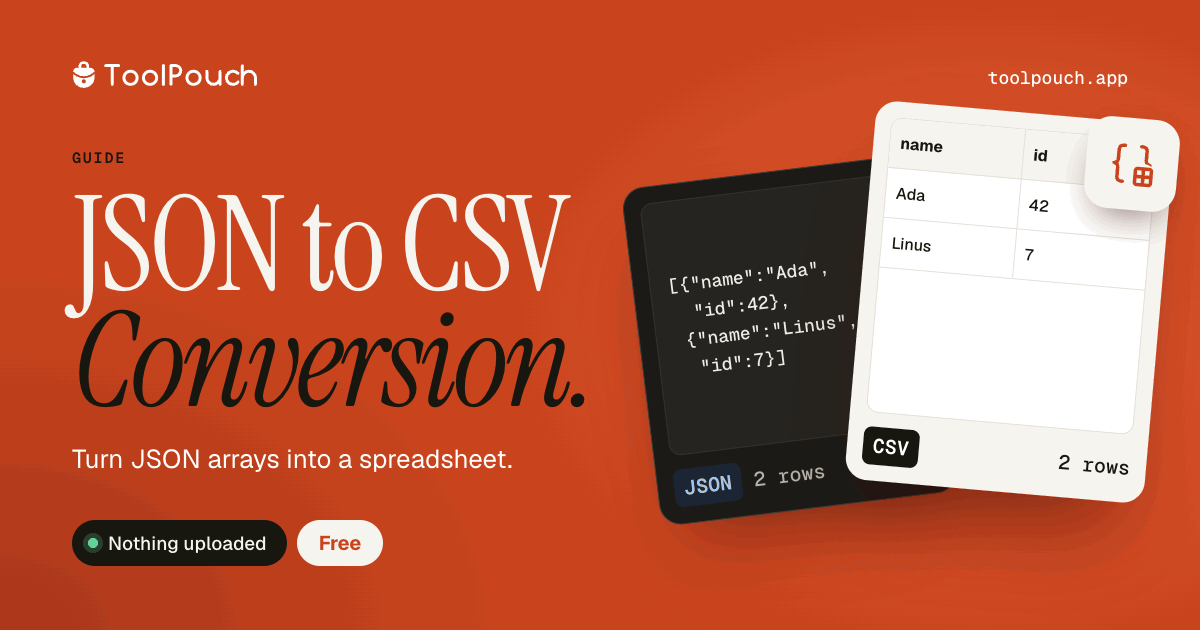
Works best with arrays of flat objects - each object becomes a row. Nested objects are flattened with keys becoming column headers in dot notation. ToolPouch handles this conversion efficiently in your browser with support for complex nested structures.
CSV to JSON
The first row becomes property names. Each subsequent row becomes an object. The result is a JSON array of objects. This format is ideal for importing spreadsheet data into web applications or APIs.
Common use cases
Exporting API data to Excel or Google Sheets for analysis. Importing spreadsheet data into a web application or database. Data migration between different systems and formats. Quick data analysis and filtering without complex tools.
Convert in your browser
Paste your JSON or CSV into ToolPouch and get the converted output instantly. No file upload needed - everything runs locally in your browser. Copy the result or download as a file. Works with files up to your browser's memory limits.