What is a QR code?
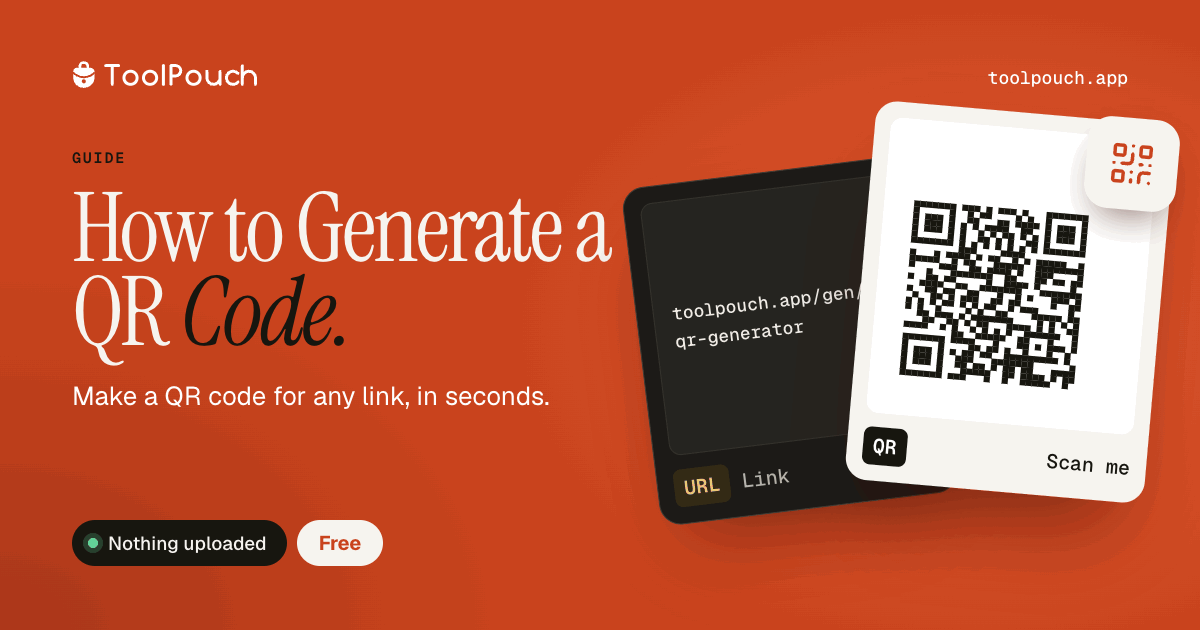
QR (Quick Response) codes are two-dimensional barcodes that can store URLs, text, contact information, Wi-Fi credentials, and more. They are scanned using phone cameras and instantly open or display the encoded content. QR codes bridge the gap between physical and digital media.
Common uses
Website URLs in marketing materials and business cards. Wi-Fi network sharing for guests to connect. Contact information and vCards. Event tickets and boarding passes. Payment links and donation requests.
Generate in your browser
ToolPouch generates QR codes locally in your browser. Enter your content, customise size and error correction level, download as PNG. No watermark, no account, no tracking. Everything is processed locally on your device.
QR code best practices
Use a URL shortener for long URLs to reduce data encoding and improve scannability. Test your QR code on multiple devices before printing. Include enough quiet zone (white space) around the code for reliable scanning. Choose high error correction for printed materials that might get damaged or worn.
File format
QR codes from ToolPouch are PNG images. This format works for web display, print, and digital presentations. For very large print sizes, regenerate at a higher resolution to maintain sharpness.