Why split a PDF?
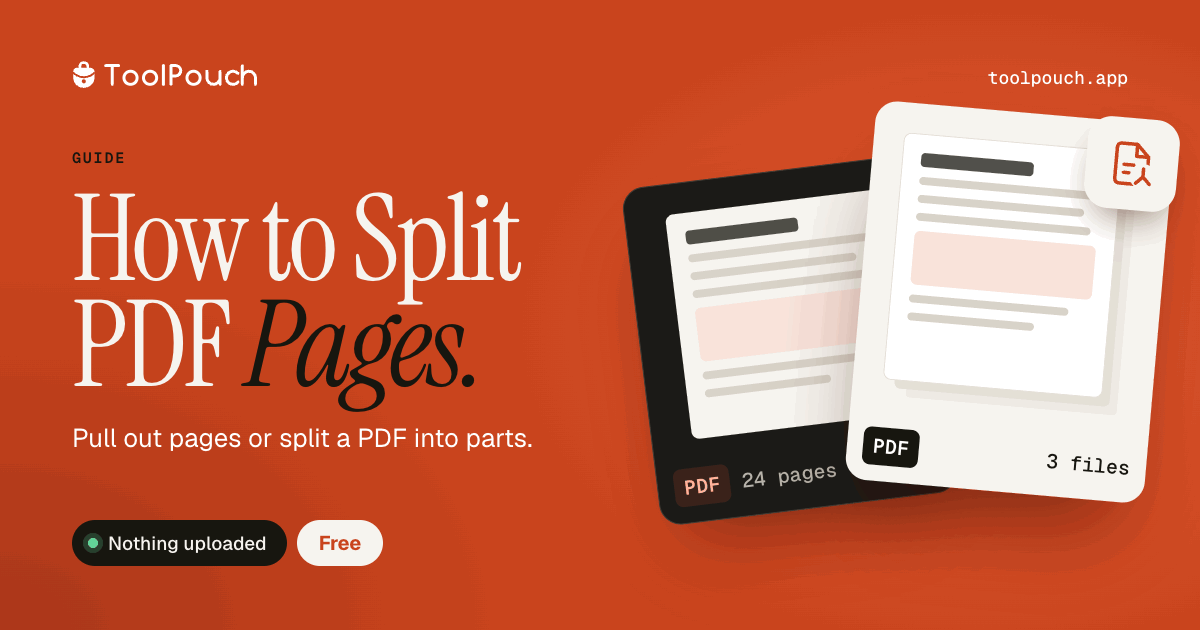
Extract specific pages from a long document for focused sharing. Separate a combined scan into individual documents. Remove pages you do not need before sharing to reduce file size. Split large PDFs into smaller chunks for easier management.
Split options
Extract a range of pages (e.g., pages 3-7). Extract individual pages (e.g., pages 1, 4, 9). Split into single-page files so every page becomes its own PDF.
Split in your browser
ToolPouch splits PDFs locally using the pdf-lib library. Your document is never uploaded to any server. Drop your PDF, choose which pages to extract, download the result.
After splitting
Use PDF Merge to combine extracted pages into a new document. Use PDF Compress to reduce the size of extracted pages. Add page numbers to the new document for easier navigation.