When to resize
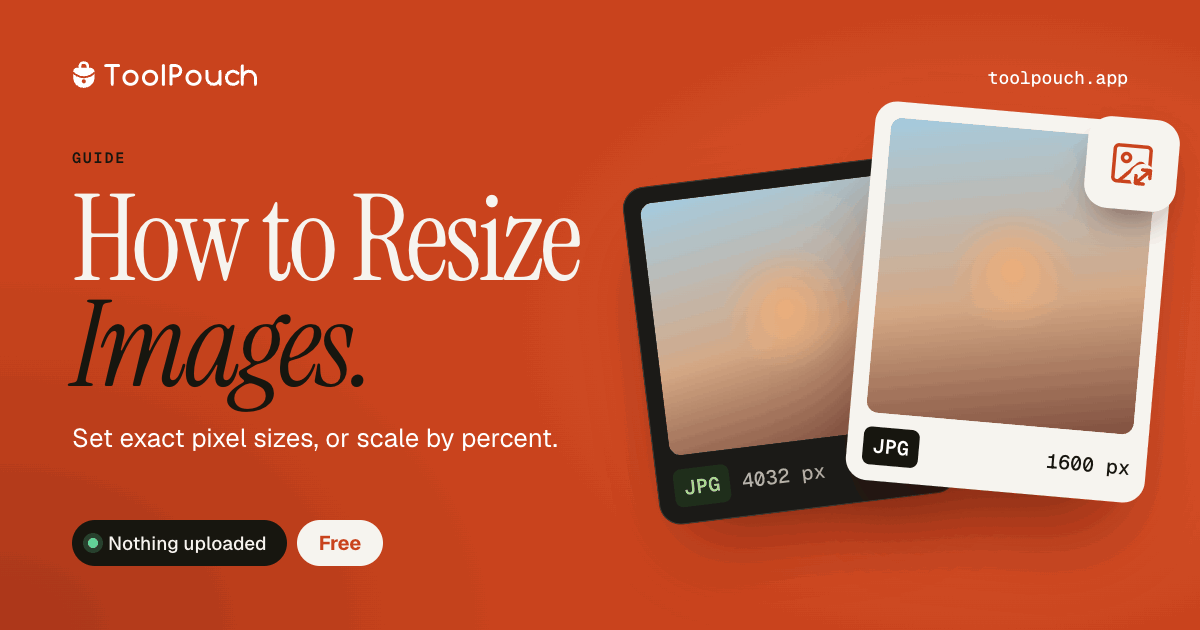
Resize images for website thumbnails, social media posts, email attachments, and print preparation. Uploading a 4000x3000 photo when you only need 800x600 wastes bandwidth and storage space. Every megabyte matters for web performance.
Resize vs compress
Resizing changes dimensions (width x height). Compressing reduces file size without changing dimensions. For maximum file size reduction, do both: resize to the dimensions you need, then compress. This two-step approach is far more effective than either alone.
Maintain aspect ratio
Always keep the aspect ratio locked when resizing. Stretching or squashing images looks unprofessional and ruins the composition. ToolPouch locks the ratio by default - change one dimension and the other adjusts automatically to preserve the original proportions.
Recommended sizes
Social media profile pictures: 400x400. Instagram posts: 1080x1080. Website hero images: 1920x1080. Email signatures: 300x100. Thumbnails: 150x150. These sizes balance visual quality with file size and load speed.
Resize in your browser
ToolPouch resizes images locally using your browser's canvas API. Drop your image, set the target dimensions, download. Supports JPG, PNG, WebP, and most other formats. Batch resize up to 100 images at once and download as a ZIP.